
Our Webflow exit interview
Why we left Webflow and rebuilt cozydesign.com using Claude Design, Antigravity, and VitePress hosted on GitHub.

TLDR
Webflow was a great tool for a long time, but we began to wonder if a big visual design and hosting platform is still necessary. We rebuilt cozydesign.com using Claude Design for ideas, Antigravity for code, and VitePress on GitHub, saving money and gaining full ownership. Here is what we learned.
Webflow was a great tool for us for a long time. Its visual editor is easy to use, and it made sense for many design studios. However, we began to wonder if it was still the best choice. With AI doing more of the work in design and development, we wanted to see if the situation had changed. Do we still need a big platform to design and host a website, or is there a better way now?
We found a better path. We rebuilt cozydesign.com using Claude Design for ideas and Antigravity for the code. Then, we launched it using GitHub.
Here is what we learned from the process.
Webflow: we'll always have 2019
Leaving Webflow means giving up the easy visual editor. We no longer have a drag-and-drop system or a simple menu to make changes. This felt like a big shift for a design team. However, we adjusted quickly. In exchange, we now own our code and content. We also save money. Once you see these benefits, it is hard to go back.
Claude Design: talented, expensive, needed direction
We used Claude Design to rethink our homepage before writing any code. We wanted to keep the style of our current site without starting from zero.
Fair warning up front: Claude Design eats tokens like a bear coming out of hibernation. Budget accordingly. When it's working well, it moves fast, but getting it there took some coaxing.
Out of the gate, Claude Design produced a fairly generic marketing website. Technically fine, but completely soulless. More importantly, it wasn't pulling from the Cozy brand at all despite having a live website to reference. We uploaded our SVG image assets, fonts, and color palette names, and Claude Design then started working from the actual material.
The tool struggled with the complex animations from our old site. It was better at inventing new things than copying exactly what we already had. It added some nice, subtle movement to the graphics that we decided to keep because they made the page feel more alive.
We hit a limit with the blog pages. Claude Design was good for marketing sections, but it couldn't handle the detailed blog templates very well.
That is when we switched over to Antigravity.
Antigravity & GitHub: now we're cooking
Once we had the design, we used Antigravity to build the site. This gave us full control over the code. This was exactly the professional setup we were looking for.
Our first task was cleaning up the code that Claude Design generated. We had to reorganize the structure and fix the styling so it would work across the whole site. It wasn't hard; it just felt like tidying up a workspace. We used a system called VitePress to make the site very fast and easy to update.
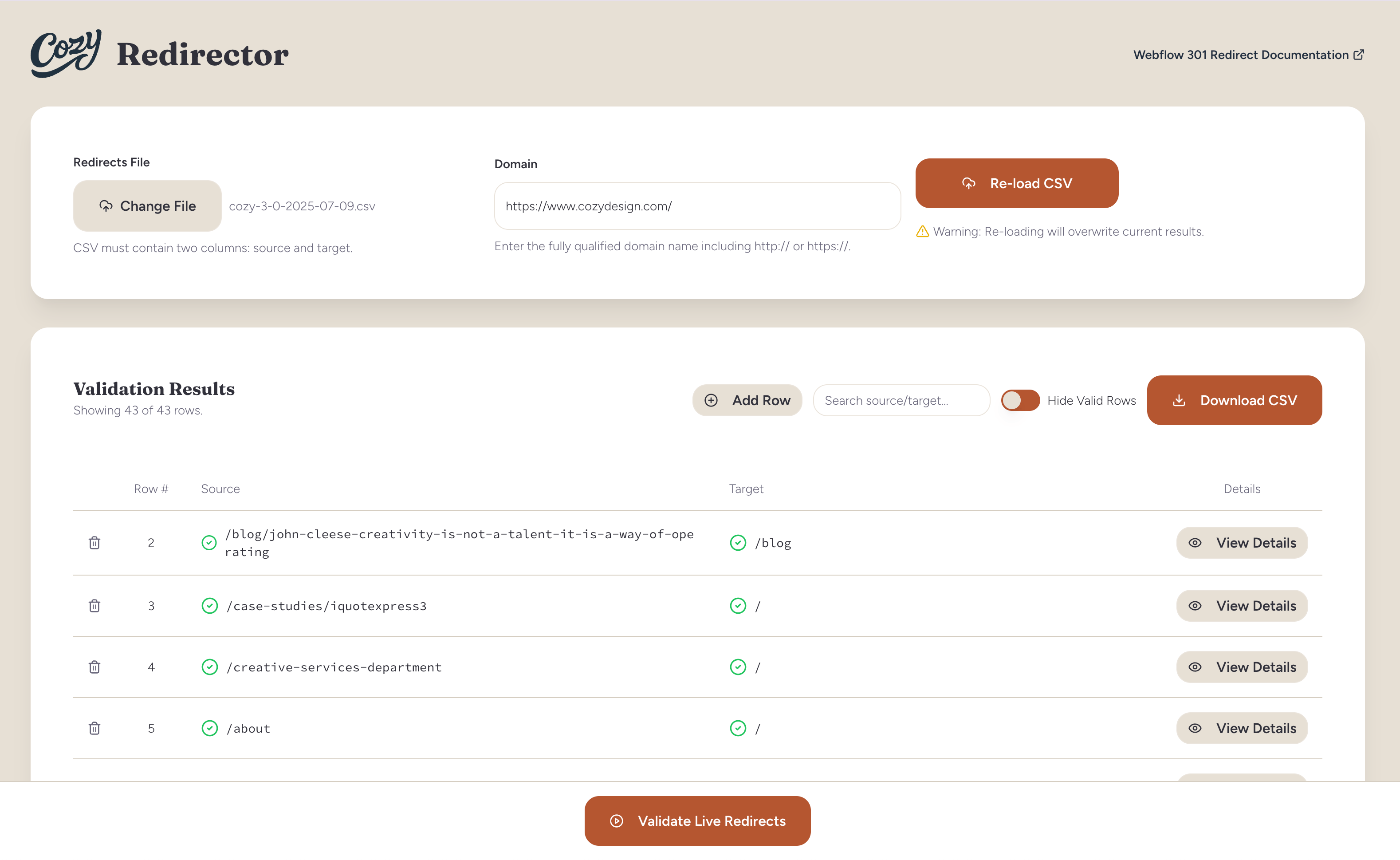
We moved our web address redirects from Webflow into our new system. Storing them in our code repository is a better way to keep track of changes.
Antigravity was great for working through accessibility issues, which was a pleasant surprise. We ran the site through the WAVE accessibility tool, which flagged a handful of issues, and resolving them in Antigravity was quick. The kind of iterative QA loop that would have felt tedious in a visual editor.
For our contact form, we stopped using Webflow's system and built our own. Now we have full control over how we handle user data and what users see after they submit the form.
People often ask how we publish content without a built-in manager. It is actually simple. We write the post, give it to Antigravity, and it creates a new markdown file. We test it and then upload it. We don't need extra software or paid licenses. This post is proof that it works!
As for cost: GitHub isn't free, but the numbers are hard to argue with. Webflow, with its CMS module required for a proper blog, is 4.5x more expensive than GitHub, and even more so if you need additional Webflow design seats. Keep in mind that if you're running a high-traffic site that requires a dedicated server infrastructure, this isn't the right fit. In that situation, you can always deploy to any infrastructure.
How long did it take?
A few days. That covers design cleanup, blog setup, form migration, responsiveness QA, redirect configuration, and accessibility fixes. Not a months-long project. The speed came from having a clear starting point and not over-scoping what "done" meant.
The stuff worth repeating
- Give Claude Design your brand details, like fonts and colors, right at the start. Don't wait for it to make a mistake before you fix it.
- Start using a code-based tool early in the process. The clean results are worth the effort.
- Set up your website redirects from the very first day.
- Check for accessibility often. Fixing these issues while you build is much easier than fixing them after the site is finished.
The stuff we'd tell our past selves
Claude Design is better at making new things than copying old ones. If you want to keep specific animations, expect it to take more time. For quickly building a new site, it is great. For rebuilding an old one, Antigravity is a better choice.
So, how'd it go?
We wanted to see if tools like Webflow still have a future. We are starting to see that technology is moving past them. We just happened to make the switch a bit earlier than most.
Post-launch, our Lighthouse scores came back strong, and the site is in good shape. It's faster to update, easier to manage, and it's more ours in a way it never quite was before.
If you are thinking about leaving Webflow, we can help. Moving a site is faster than you think with the right plan. Let's talk.